AI audio transcription: turn a recording into text online
Коротко о главном (BLUF)
В этом материале мы разбираем ключевые аспекты работы с нейросетями: актуальные модели, практические советы по промптам и примеры генераций. Читайте дальше, чтобы узнать подробности.
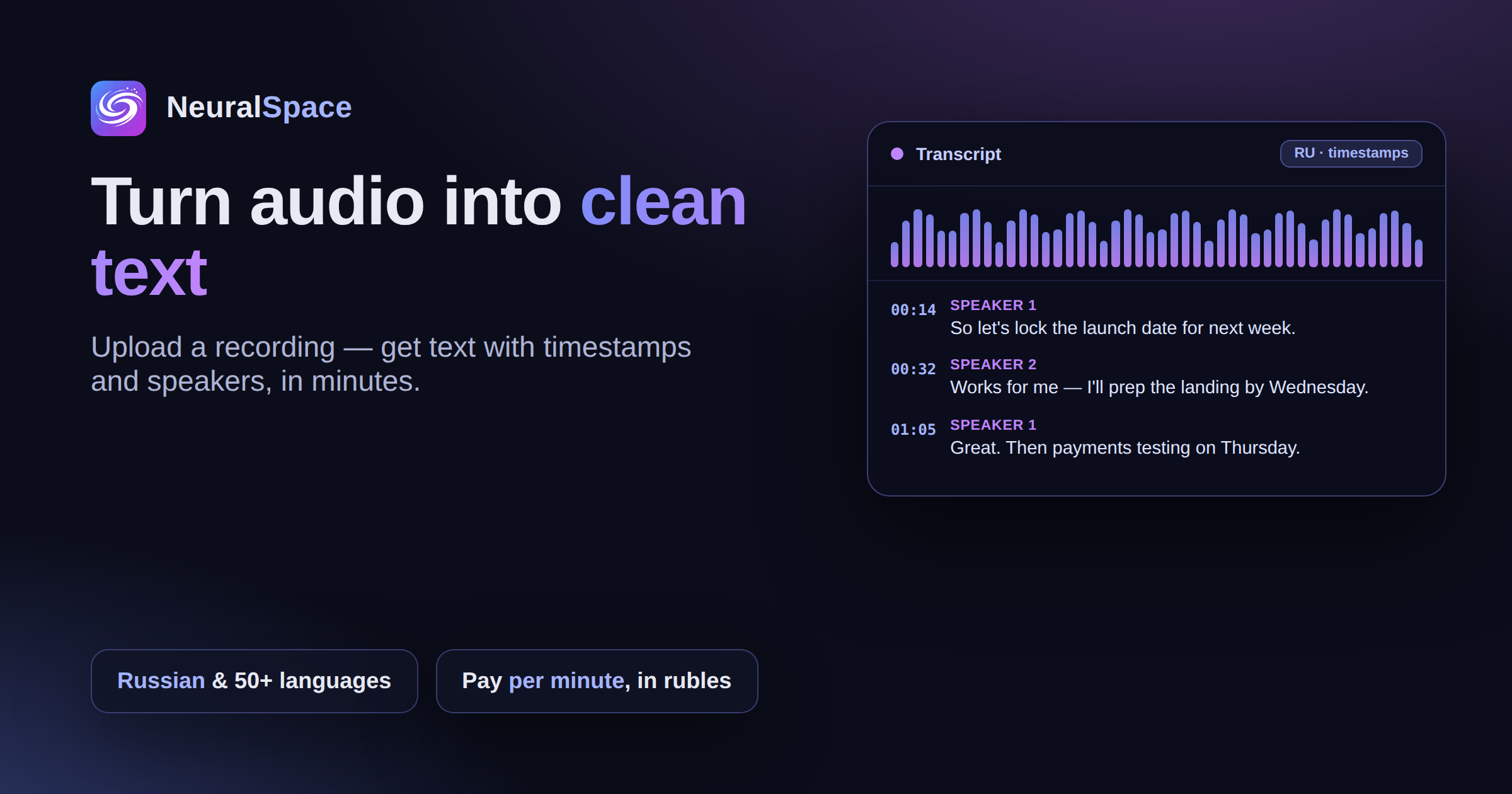
An hour-long Zoom call ends and your head is mush — and the chat has zero notes. Sound familiar? I used to try taking notes live during the call, but it just doesn't work: you either listen or you write. AI transcription solves this once and for all. Upload the recording, get back text with timestamps and speakers separated out.
Under the hood
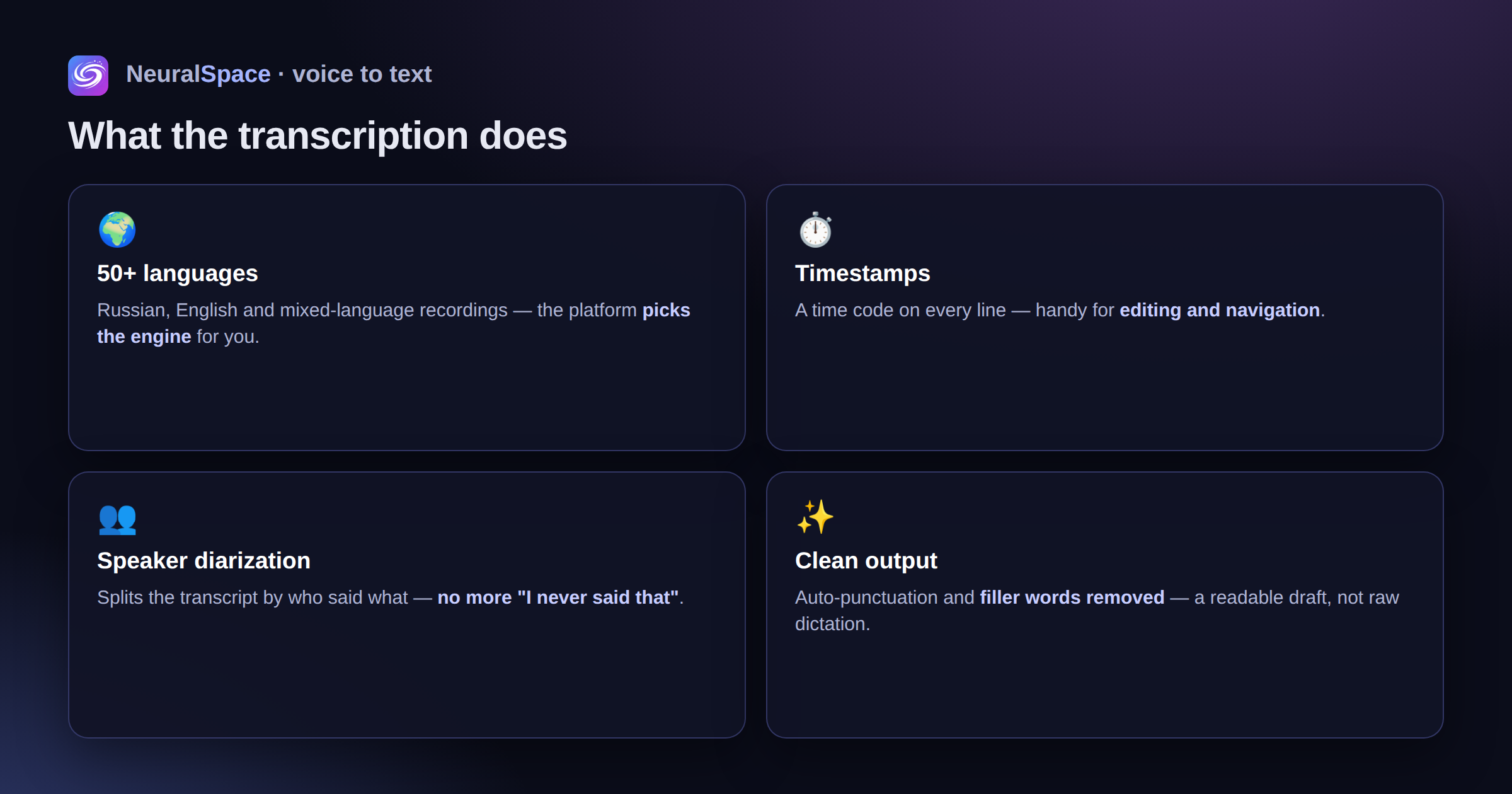
NeuralSpace runs current versions of Whisper plus alternative STT models. The platform picks the engine for the job itself: Russian, English, mixed-language audio, noisy conditions. You don't have to choose.
What it actually does
- Transcription in Russian, English and 50+ other languages
- Timestamps on every line — handy for editing and navigation
- Speaker diarization (who said what)
- Auto-punctuation and filler words trimmed out
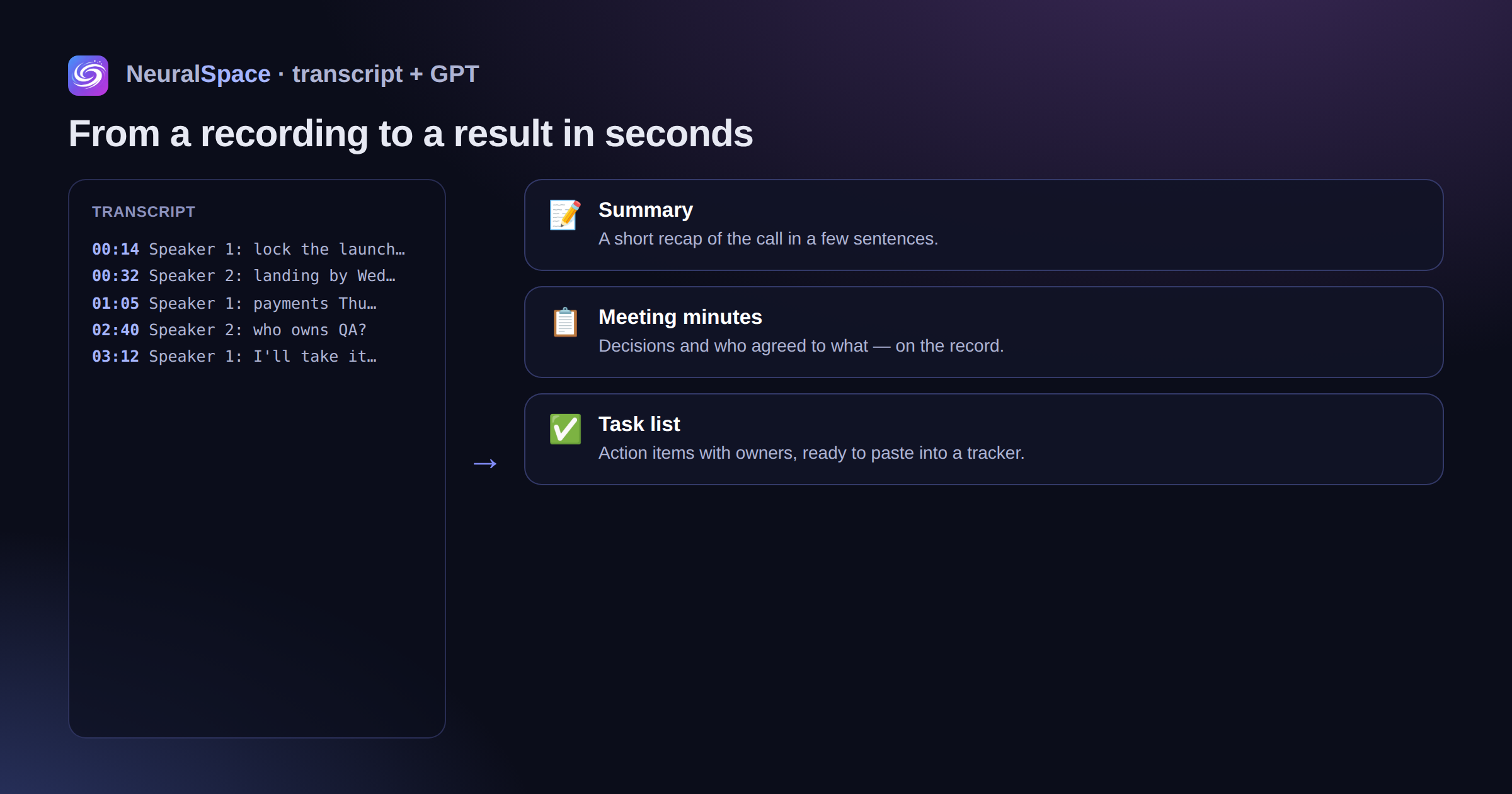
- Post-processing through GPT: a summary, meeting minutes, a task list — in seconds
Who uses this
Journalists transcribe interviews and walk away with a first draft of the article. Managers turn calls into minutes with decisions on the record (so later nobody says "I never agreed to that"). Students capture lectures. Product folks roll up user interviews into insights. Personally, I use it for meetings — it saves me about 40 minutes a week.
Quick start
Sign up, upload an mp3, wav, m4a or mp4 — get the text. Billing is per minute, in rubles. Files live in your account and you can delete them in one click from privacy settings.
Часто задаваемые вопросы (FAQ)
Вопрос: Как получить лучший результат от нейросети?
Ответ: Используйте подробные промпты (описания) на английском языке, задавайте стиль и детали сцены.
Вопрос: Можно ли использовать эти материалы в коммерческих целях?
Ответ: Да, сгенерированный контент полностью принадлежит вам.