AI video generation online — Sora 2, VEO 3.1, Kling 3.0 and more
Коротко о главном (BLUF)
В этом материале мы разбираем ключевые аспекты работы с нейросетями: актуальные модели, практические советы по промптам и примеры генераций. Читайте дальше, чтобы узнать подробности.
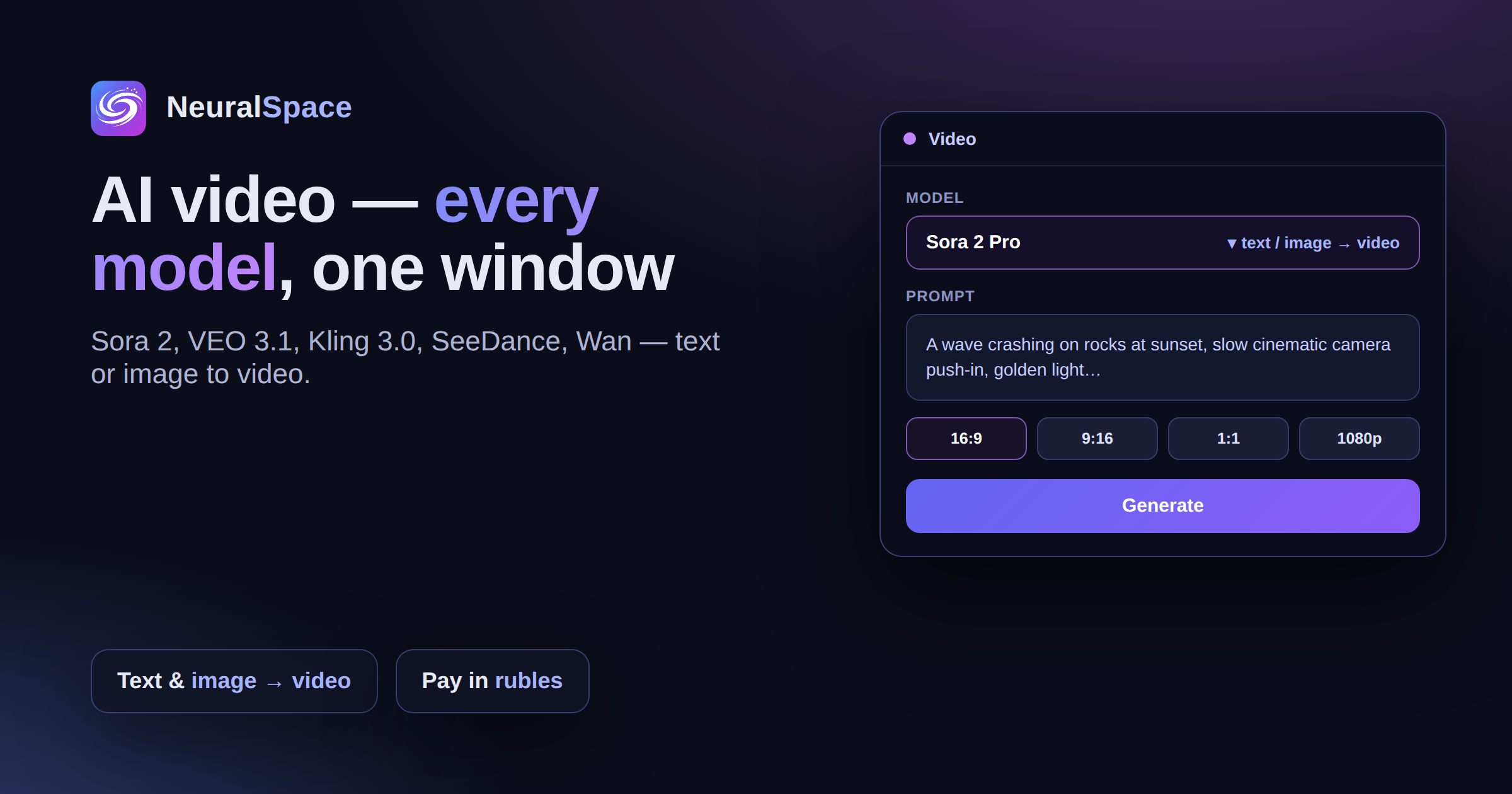
A year ago AI video looked like a blurry 3-second mush. Now it's cinematic clips with proper physics, editing finished footage by text, and bringing photos to life. The progress is wild. The Video section in NeuralSpace pulls together every current model — let's go through each one, short and to the point.
Sora — OpenAI's flagship
Three flavours in NeuralSpace:
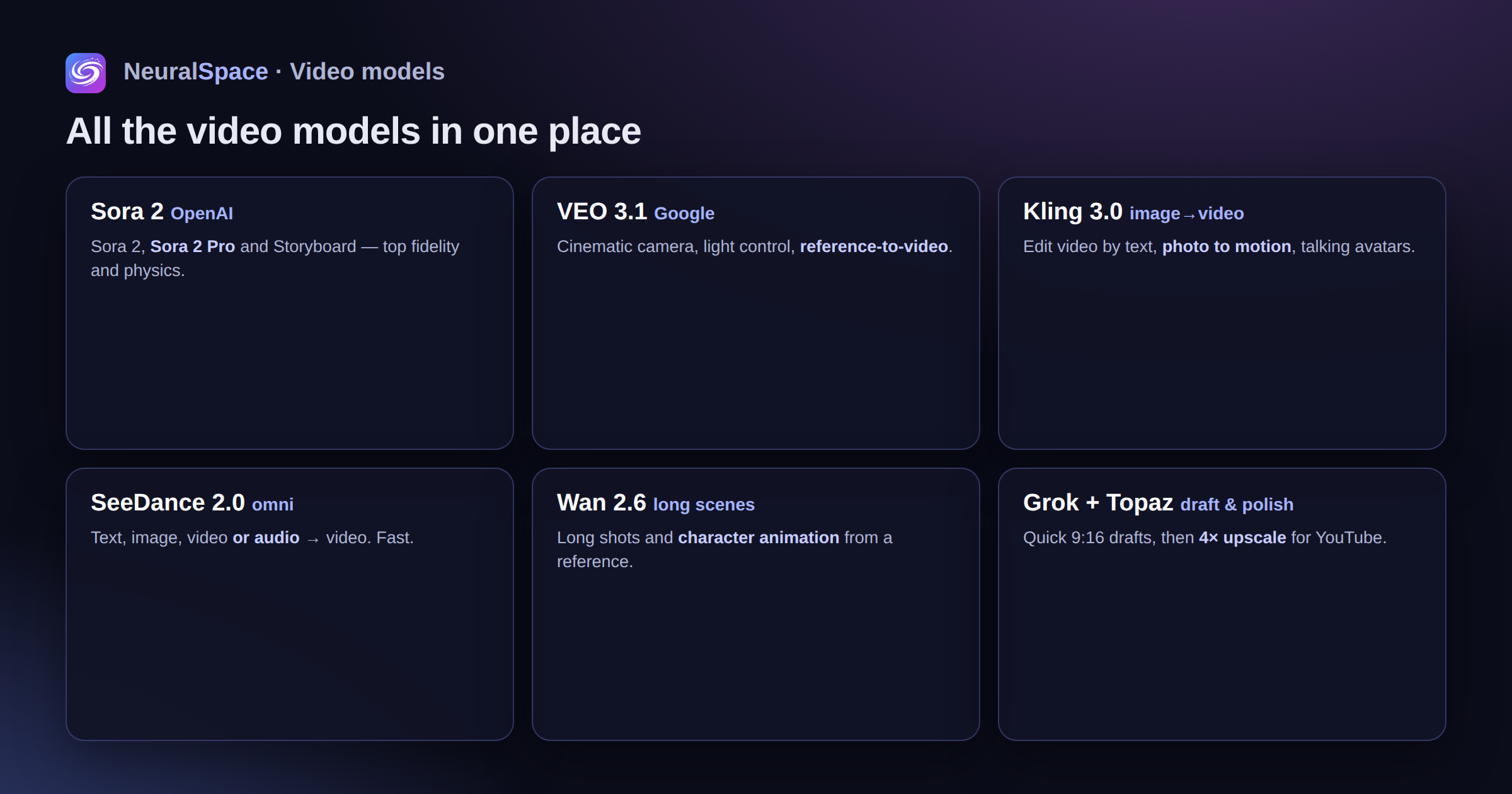
- Sora 2 — text or image → video. A balance of speed and quality
- Sora 2 Pro — maximum quality. Physics, detail and light are top-tier. But slow and expensive
- Sora 2 Pro Storyboard — a chain of scenes with separate descriptions. Perfect for storyboards and short clips
VEO 3.1 — Google DeepMind
Cinematic shots, smooth camera moves, real control over light. Two modes:
- VEO 3.1 — from text or a single image
- VEO 3.1 Reference To Video — give it 1-3 reference frames plus text and get a video (Fast mode)
Kling — the king of image-to-video
Kling isn't one model, it's a whole lineup. And it covers almost the entire pipeline:
- Kling 3.0 — text/image → video, std and pro modes
- Kling O3 Pro Video-Edit — edit a finished video by text. Literally "remove the red car from the shot" and it's gone
- Kling O3 Standard Video-Edit — the same, but faster and cheaper
- Kling O1 Image-to-Video — bring a photo to life
- Kling 3.0 Motion Control — image + video reference → a set trajectory
- Kling AI Avatar — photo + audio → a talking avatar (std / pro)
SeeDance — the fast omni-model
- SeeDance 2.0 — text, image, video OR audio → video. Yes, audio too
- SeeDance V1.5 Pro — 1-2 references → video with sharper detail
- SeeDance V1 — the basic one: text or image → video
Wan — long scenes
- Wan 2.6 — text, image or video → video, handles long shots
- Wan 2.2 Animate — character animation: image + a motion-reference video
Grok and Topaz
Grok — fast drafts, supports vertical 9:16 for Stories. Topaz Video Upscale — upscales up to 4× and cleans up artefacts after generation. The finished video is ready to publish on YouTube.
Which one to pick for your task
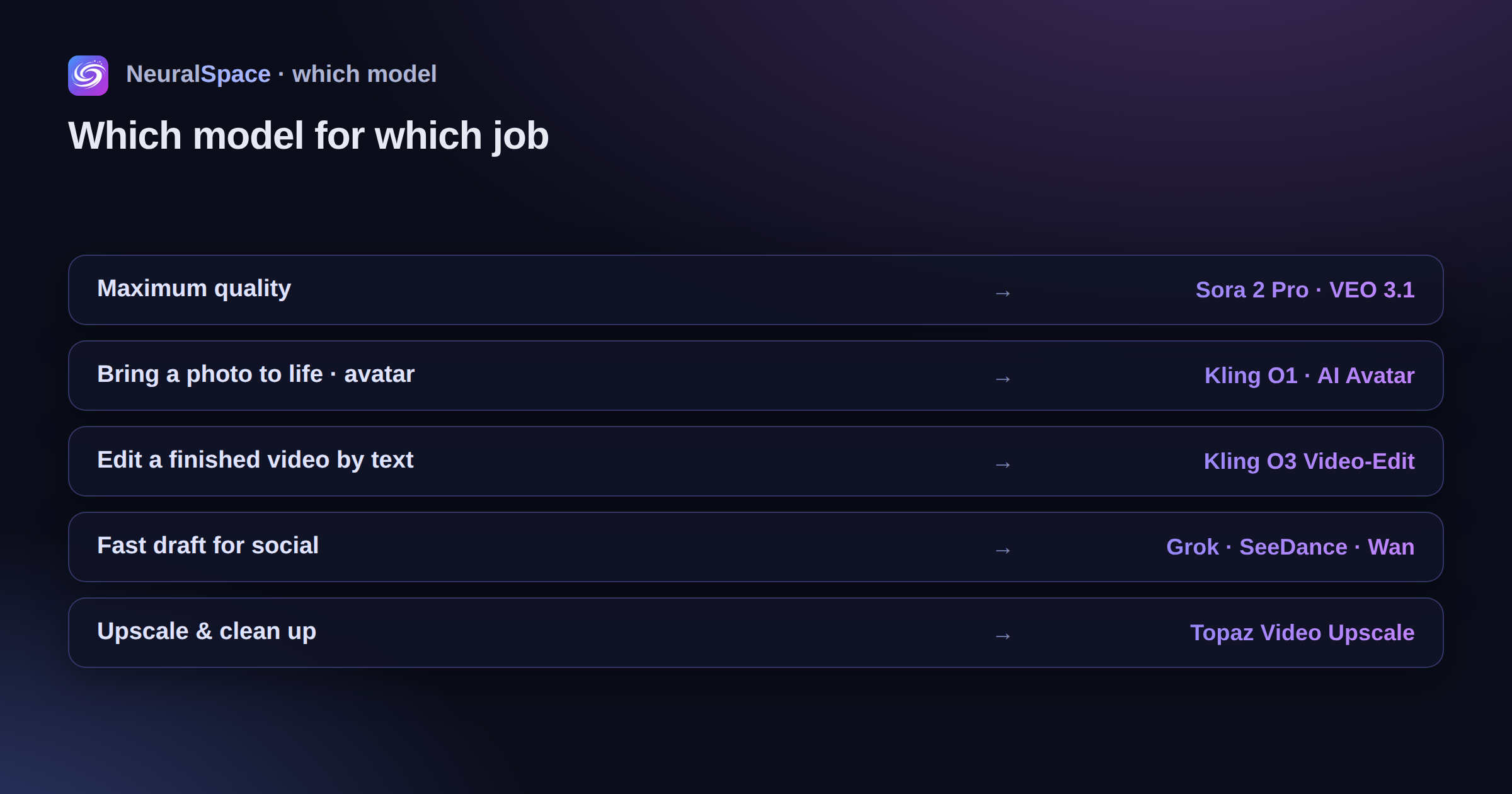
- Maximum quality — Sora 2 Pro or VEO 3.1
- Bring a photo to life, avatar — Kling O1, Kling AI Avatar
- Edit a video by text — Kling O3
- Fast draft for social — Grok, SeeDance, Wan
- Post-processing — Topaz
How it works in NeuralSpace
Every model lives in one section. You pick a model, write a prompt in any language (translation is automatic), upload references and set the format — 16:9, 9:16, 1:1 and more. References are easy to prep in the image generator, and audio via music or voice.
Pricing
It all comes from your shared subscription tokens — video, text, images, voice. Pay in rubles. You see the cost before you hit run — no surprises.
Sign up and try it — every model is available right away.
Часто задаваемые вопросы (FAQ)
Вопрос: Как получить лучший результат от нейросети?
Ответ: Используйте подробные промпты (описания) на английском языке, задавайте стиль и детали сцены.
Вопрос: Можно ли использовать эти материалы в коммерческих целях?
Ответ: Да, сгенерированный контент полностью принадлежит вам.