How to split a finished image into layers with Seedream 5 Pro
Коротко о главном (BLUF)
В этом материале мы разбираем ключевые аспекты работы с нейросетями: актуальные модели, практические советы по промптам и примеры генераций. Читайте дальше, чтобы узнать подробности.
You know the moment: the banner is almost right, but the product needs to move, the shadow has to go and the background should be darker. The only source file left is a flat JPEG. Until now the choices were tedious manual cutting or asking an image model to redraw everything — including the parts you already liked.

Seedream 5 Pro in NeuralSpace now offers a third option: image layer decomposition. Upload one picture, switch the mode, and the result is not another variation. You get a base image plus the visual elements the model managed to separate.
What comes back
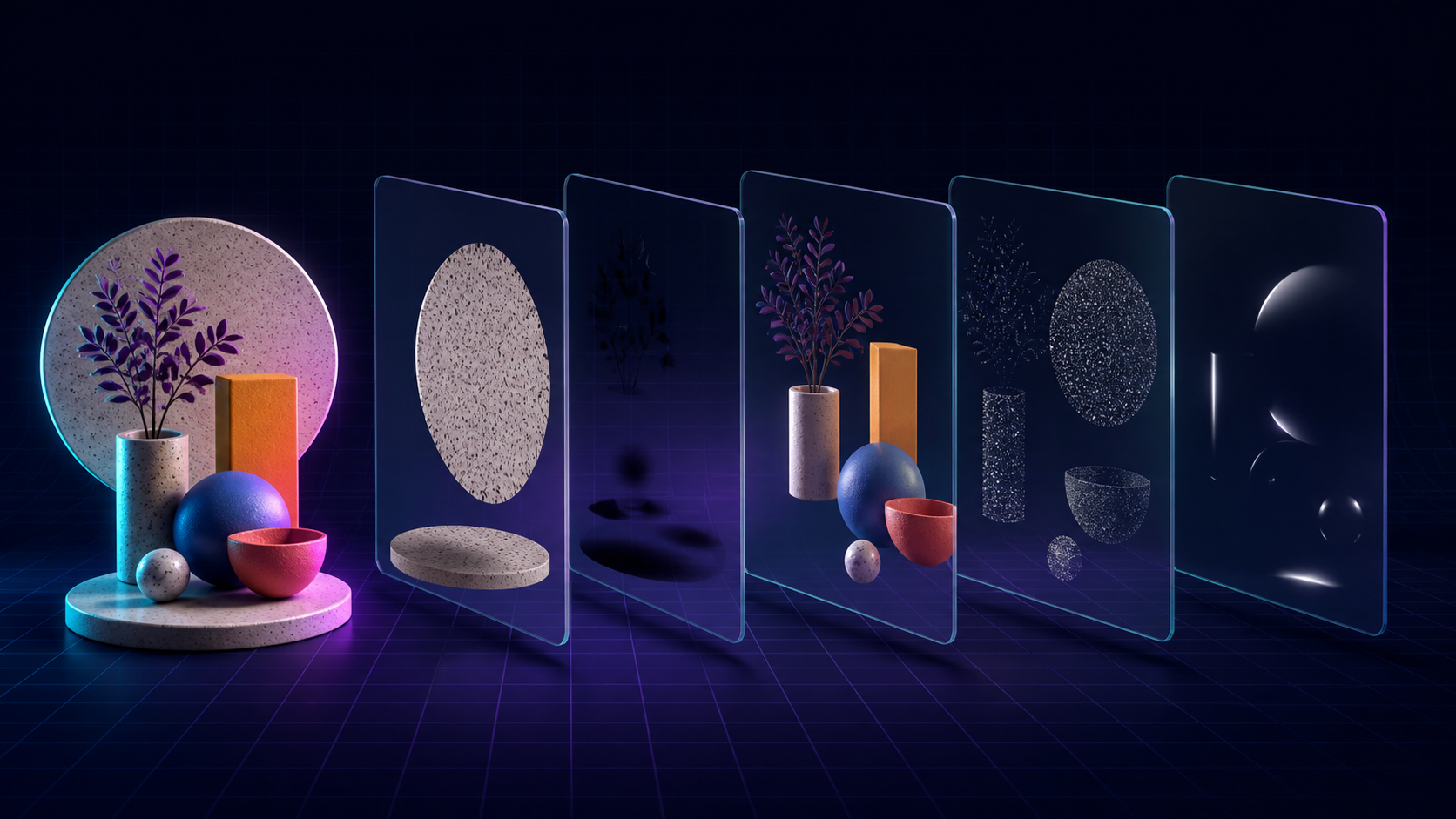
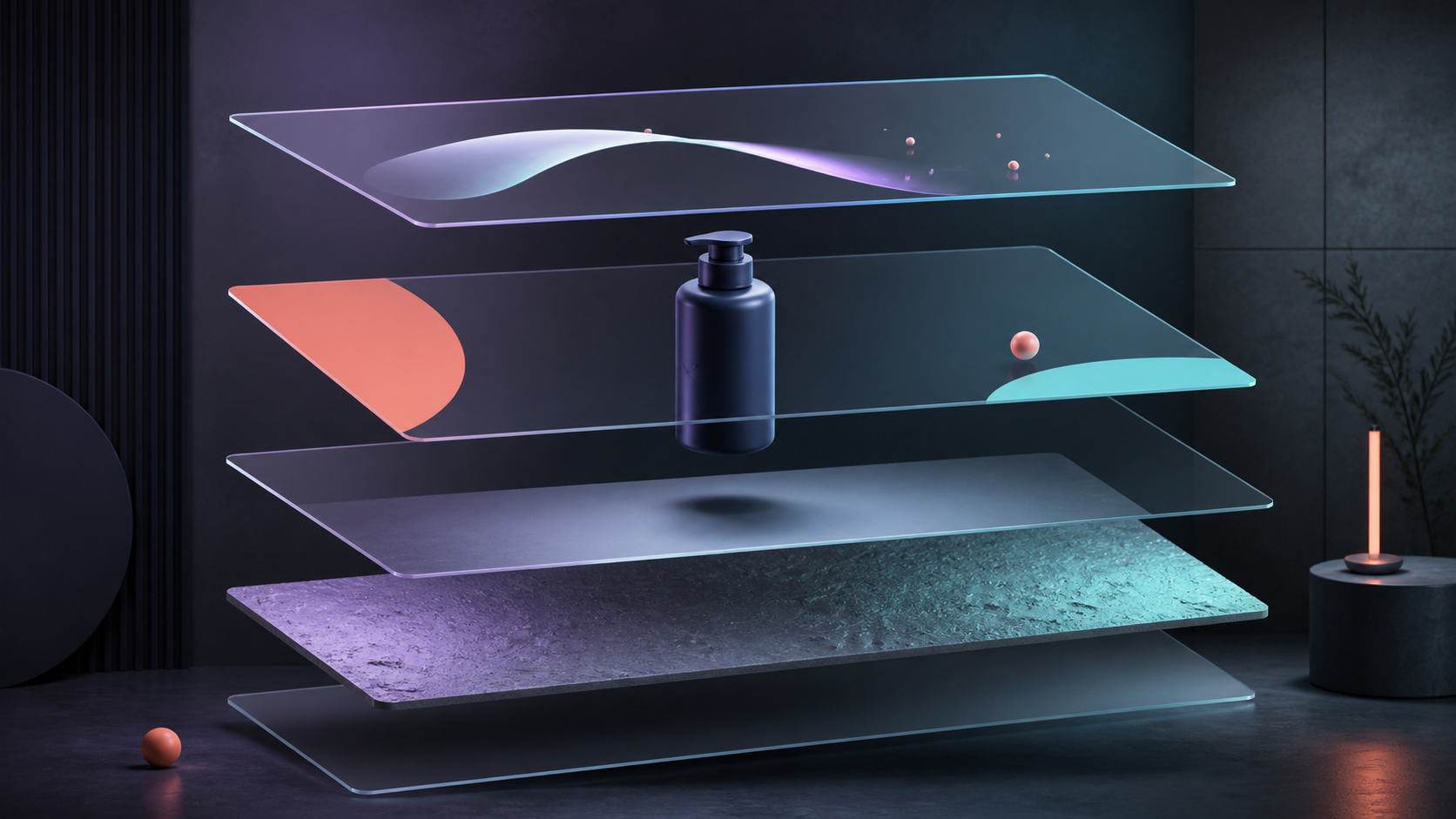
The model examines the composition and pulls apart objects, background, shadows and other visual pieces. Every piece is saved as its own image in your generation history. Download them, rearrange them in an editor, recolour an object or build a fresh layout without reconstructing the whole scene.
It is not a perfectly organised PSD. Layers do not arrive with clever names, and hair-thin or translucent edges may still need a little cleanup. That is the honest limitation. The useful part is the first rough separation — the job that can eat half an hour before the actual design work starts.
Where layers save real time
- Product cards. Separate the item and its shadow, then assemble several campaign formats quickly.
- Posters and covers. Move a large subject without repainting the entire scene.
- Simple animation. Put foreground and background on different planes for parallax or subtle motion.
- Lost source files. Recover some control when all you have is the exported PNG or JPEG.
How to split your own image
- Open Images and choose Seedream 5 Pro.
- Under Mode, select “Split image into layers”.
- Attach exactly one source image.
- Pick Auto, 1K, 1.5K or 2K. Auto or 1K makes sense for a first test; rerun the keeper at 2K.
- If the scene is busy, add a short note about the objects you care about. The description is optional, but it can steer an ambiguous composition.
All returned pieces stay together on one history card. They are copied into our permanent storage too, so you do not end up with temporary generation links that expire before the designer opens them.
A pricing detail worth knowing
The price follows the number of output images. The base counts as one image and every extra layer counts as another. A layer at 1K or 1.5K uses the same rate; 2K costs twice as much. The form shows the minimum before the run, then the final charge is reconciled against the actual result count and the live exchange rate.
My practical route is simple: test a clean source at 1K, check whether the separation makes sense, and only then spend more on the 2K working version. Layer decomposition is available now.
Часто задаваемые вопросы (FAQ)
Вопрос: Как получить лучший результат от нейросети?
Ответ: Используйте подробные промпты (описания) на английском языке, задавайте стиль и детали сцены.
Вопрос: Можно ли использовать эти материалы в коммерческих целях?
Ответ: Да, сгенерированный контент полностью принадлежит вам.